02 — It Starts With You
1 · It starts with you
You describe what you want — a feature, a fix, an entire product. The way in is the Task Assistant — which is the Prompter itself, the very feature whose build the rest of this guide follows. (You're about to use the tool RoboCo built for itself; further on, you'll watch the company build it.) Instead of filling a form from memory, you give it a rough idea and it reads your actual codebase, asks a few sharp questions, and hands back a properly-formed task — an objective, a per-cell breakdown, and the acceptance criteria that define what "finished" really means.
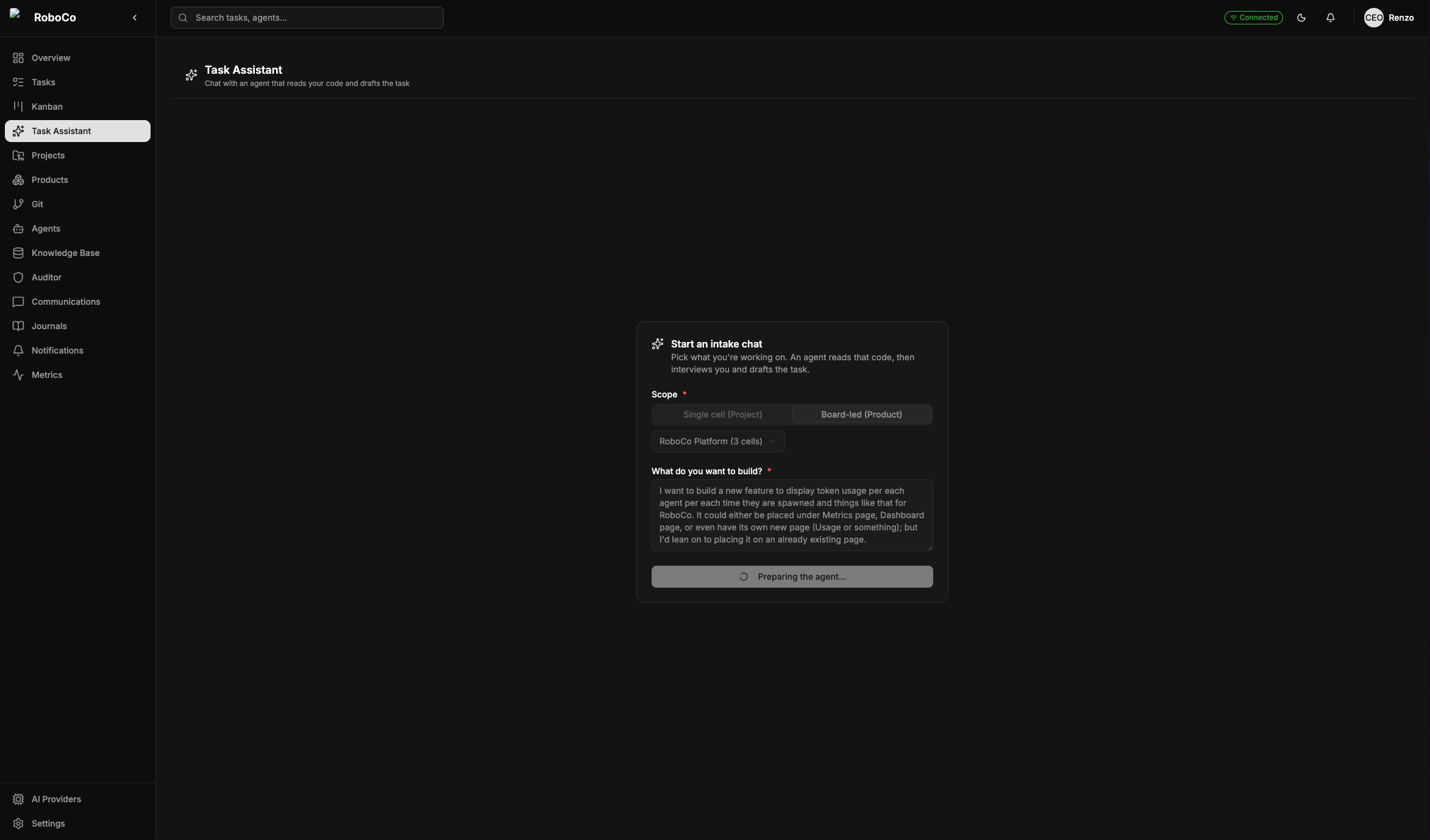
Where it starts — point the assistant at a project (one repo) or a product (several), drop in a rough idea, and it spins up an agent that reads that code before it says a word.
There is a third scope, MegaTask, for when you want several tasks at once across projects that don't share a codebase — the assistant proposes the whole batch and the company sequences it into conflict-free waves. See MegaTask.
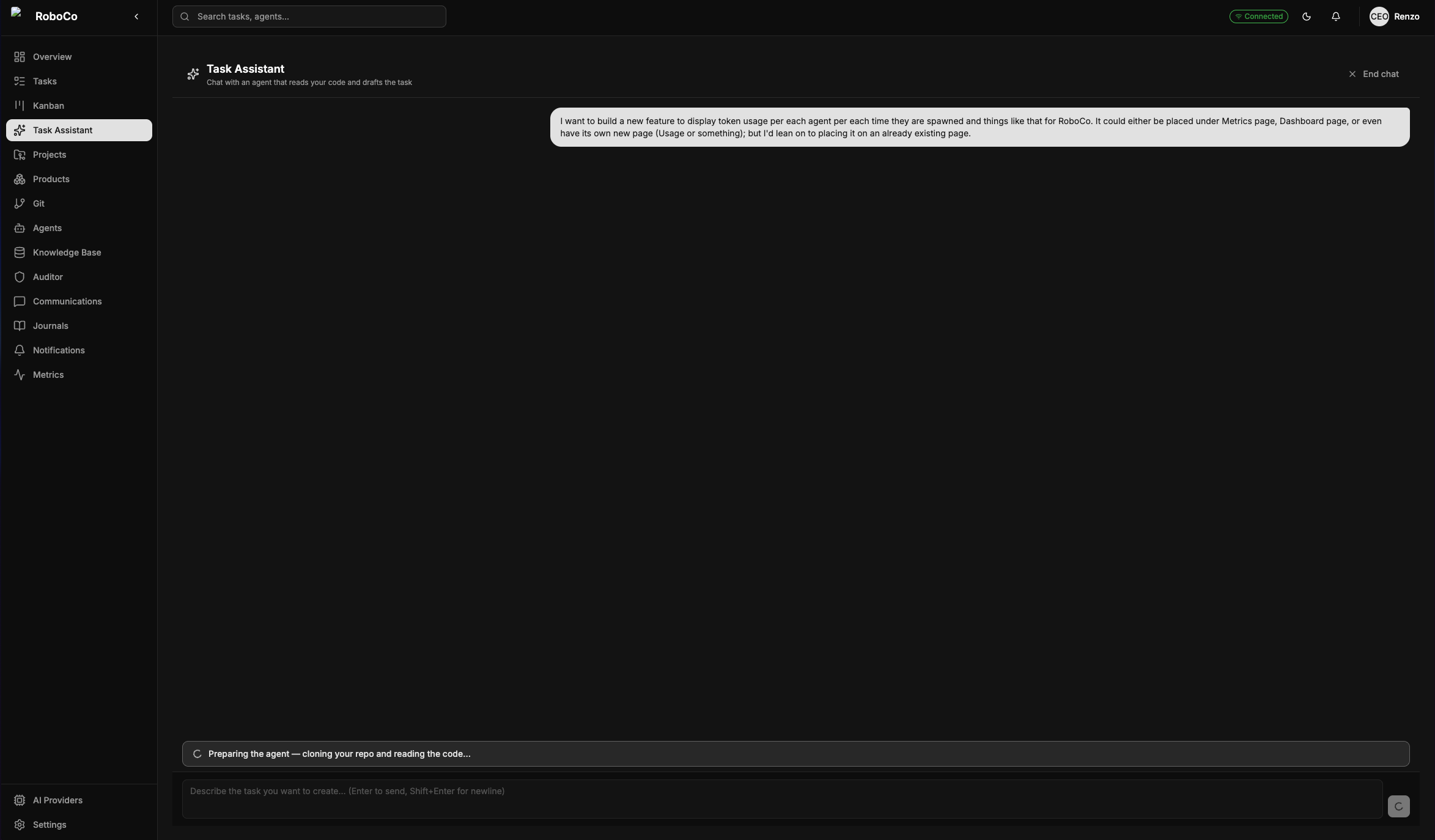
No canned questions. The agent clones the scope and reads the real surface first, so everything it asks and proposes is grounded in what your code actually does.
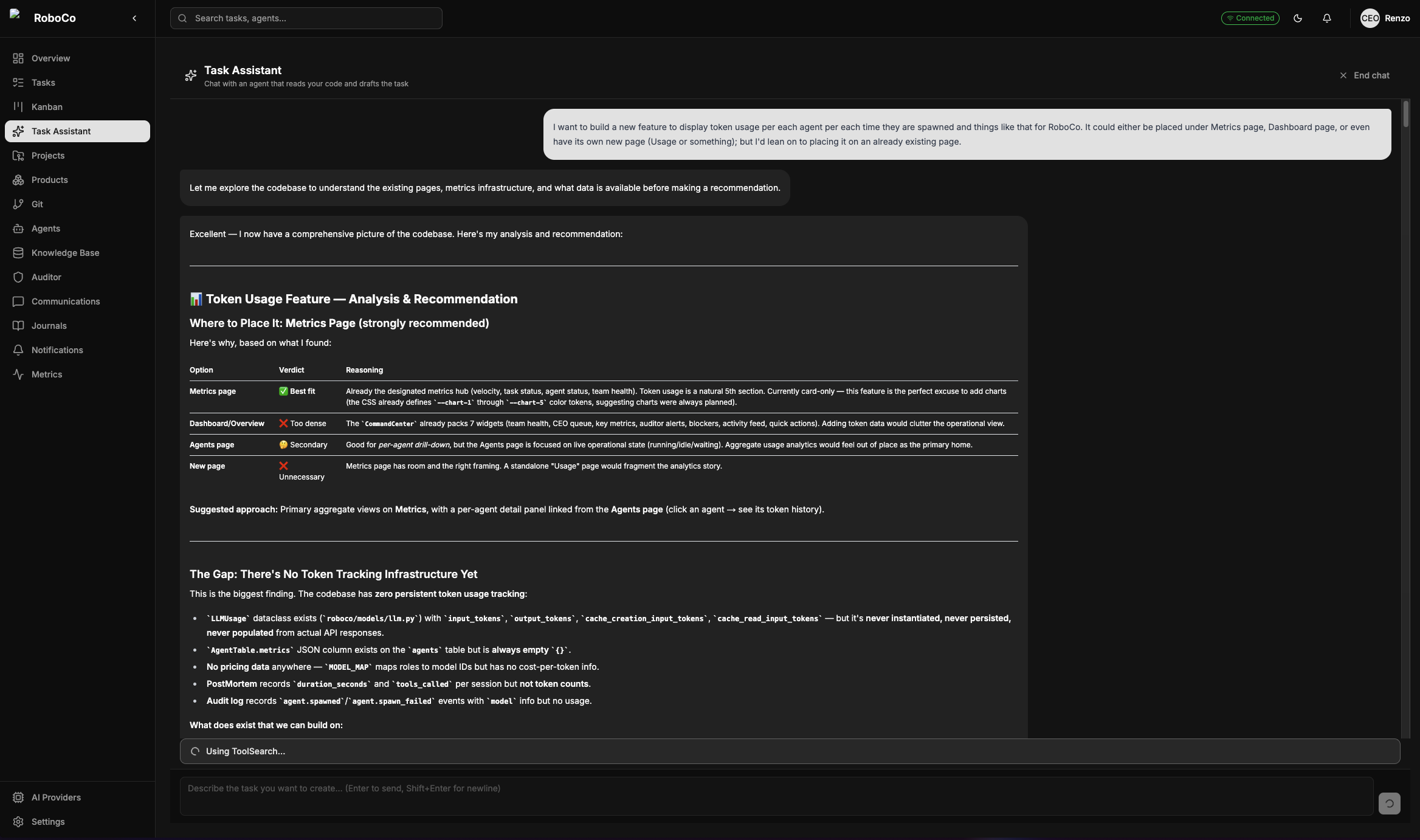
It comes back having done the homework — naming the real pages, services, and files, laying out what to build and where, and refining with you over a couple of turns until the spec is right.
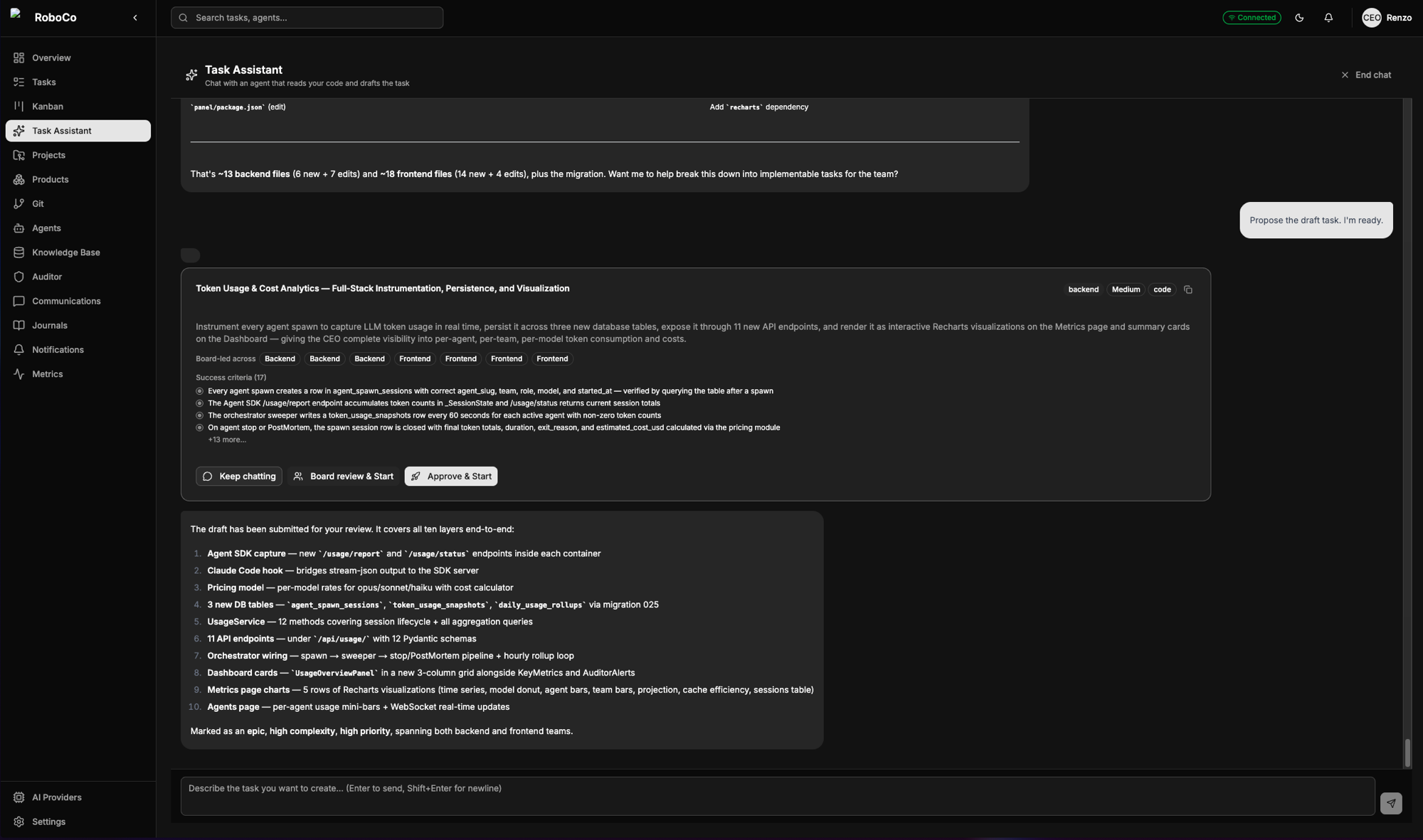
The proposal, ready to launch. Keep chatting to refine it, send it to the Board for review, or approve it straight to the Main PM — your call, on one card.
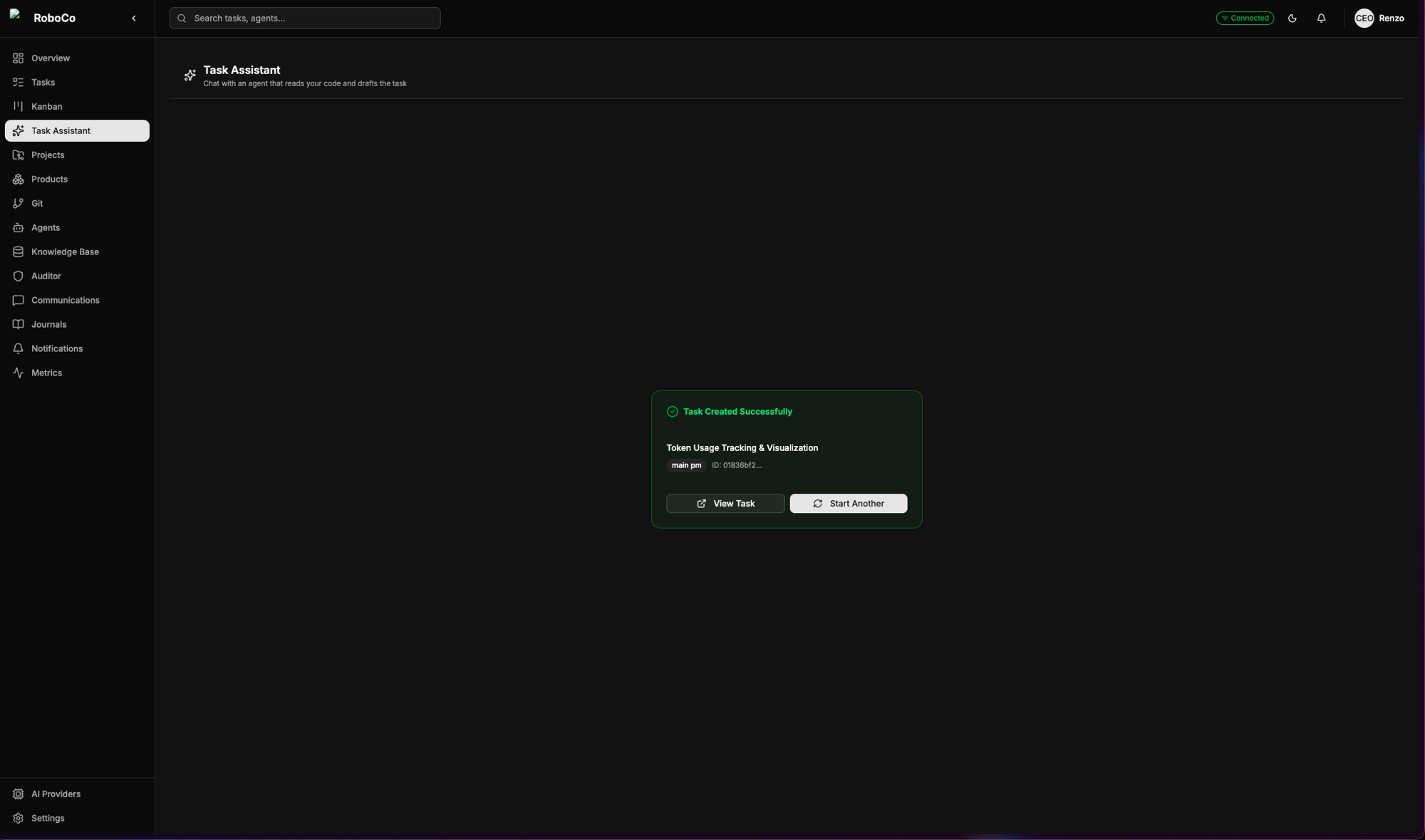
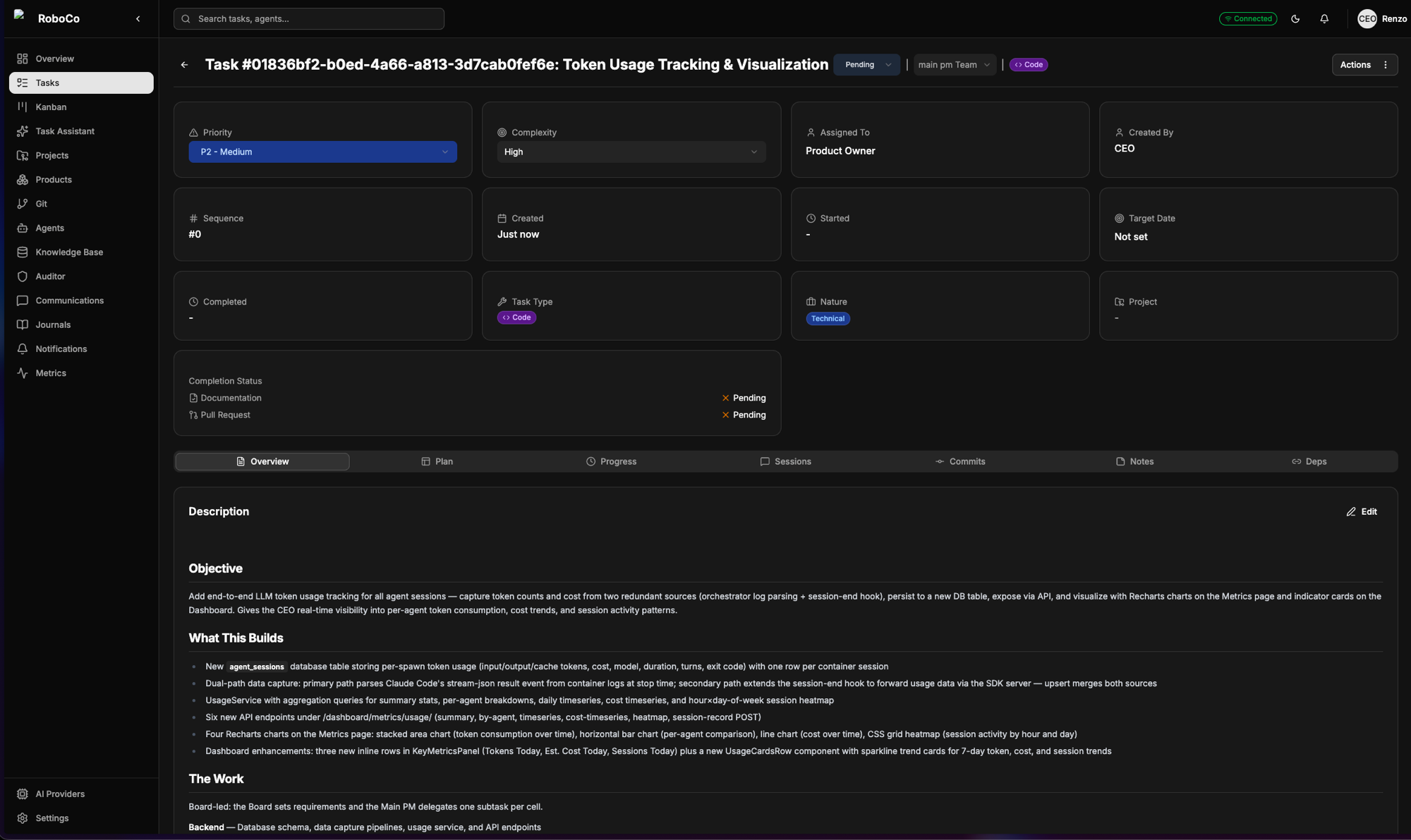
From a rough sentence to a real, scoped task in a single chat — acceptance criteria and all, already moving through the company.
From here, every task follows the path you chose for it. To show that journey end to end, the rest of this guide follows the Prompter's own trip through the company — from this same starting point to a merged pull request. Send a task to the Board and their job is to pin it down: the Product Owner and Head of Marketing turn the draft into a settled spec, sharpening the requirements and the acceptance criteria before anyone writes a line of code. The Auditor watches the whole time but never interferes.
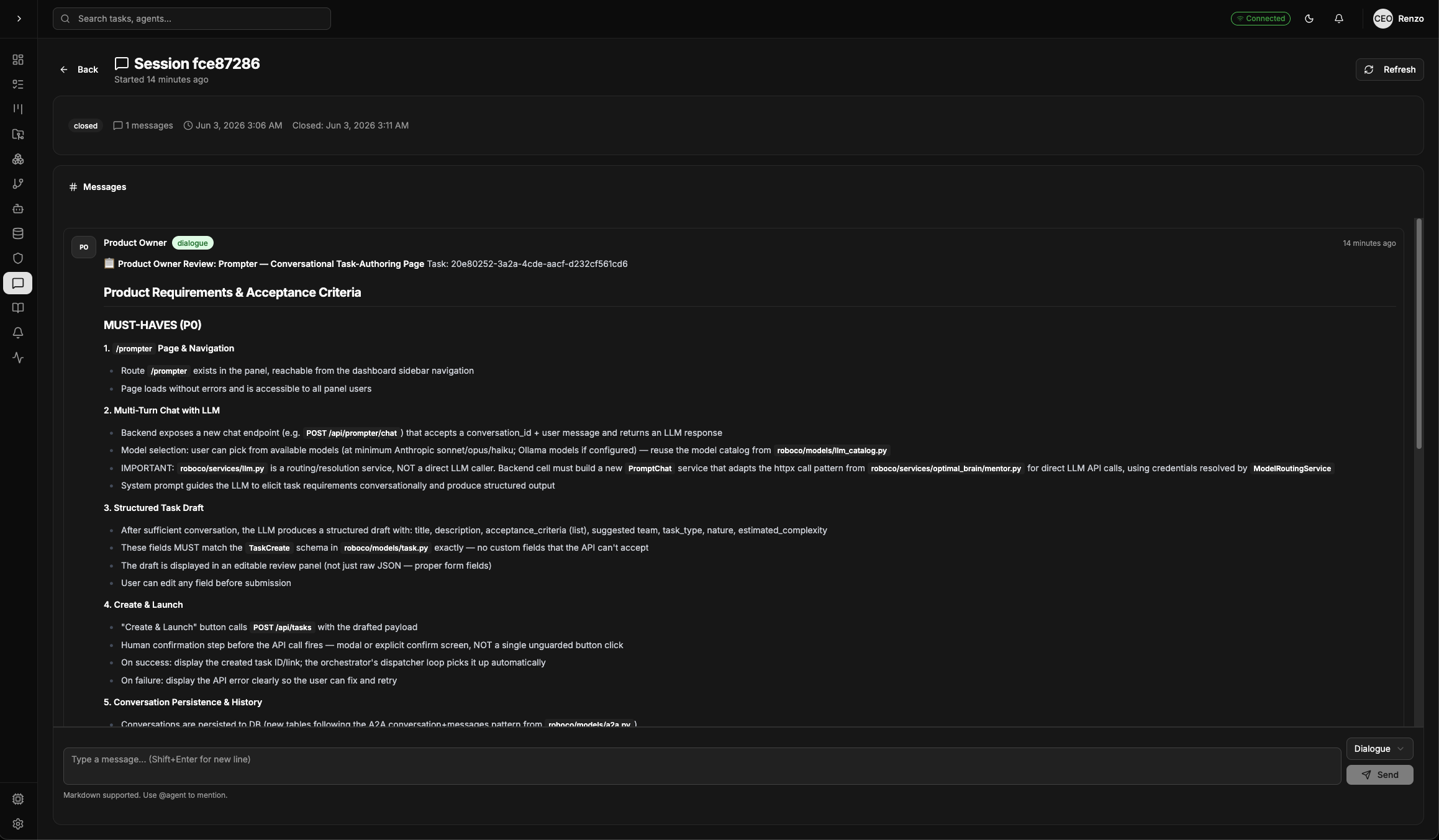
The Product Owner working a task over — pinning down the requirements and the must-haves before anyone writes a line of code.
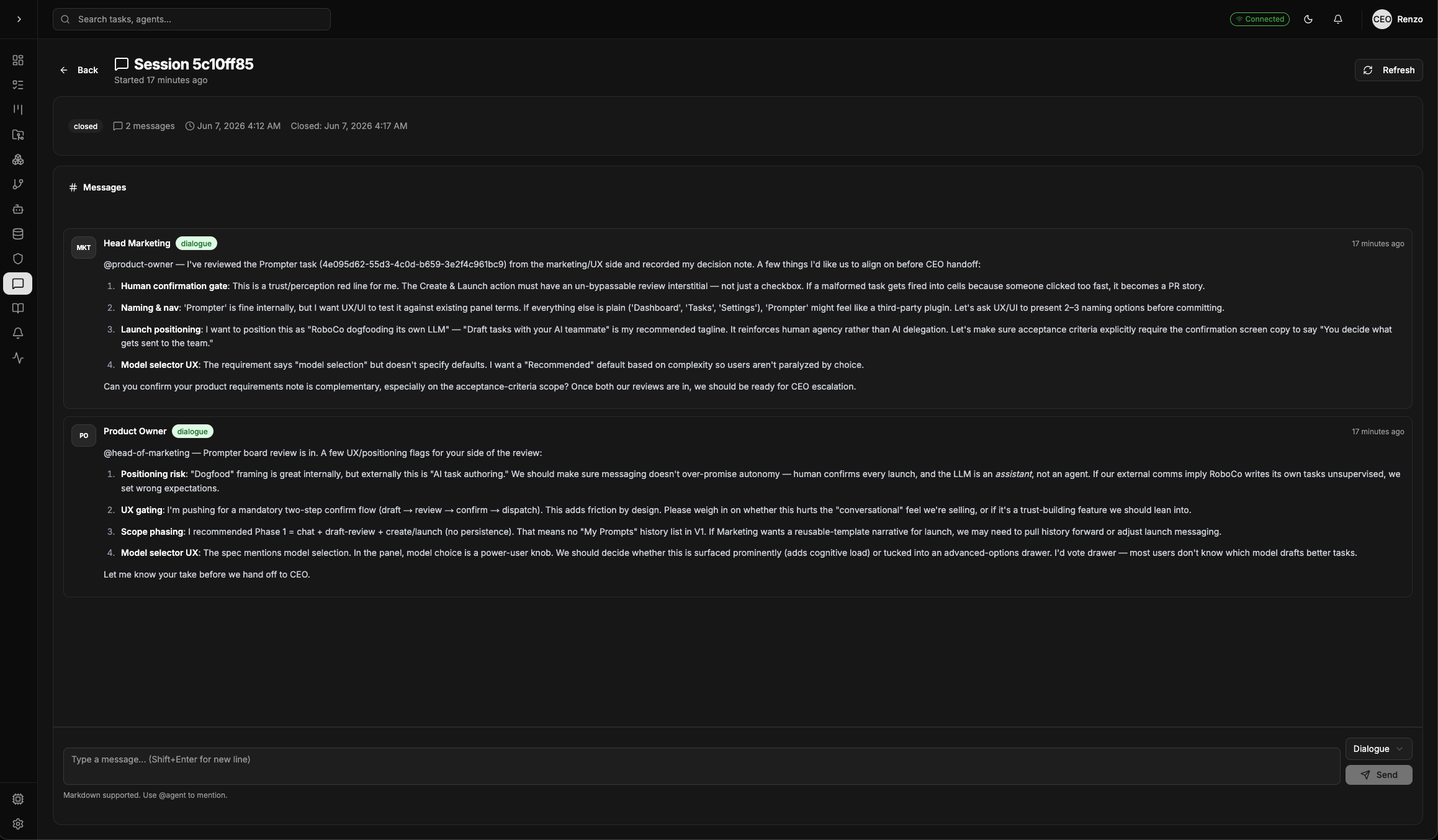
Two seats at the table. The Product Owner and the Head of Marketing review the same task from their own angles and put their reasoning on the record — this is the Board building the actual spec for the Prompter, the feature this whole walkthrough follows.
2 · Nothing moves without your green light
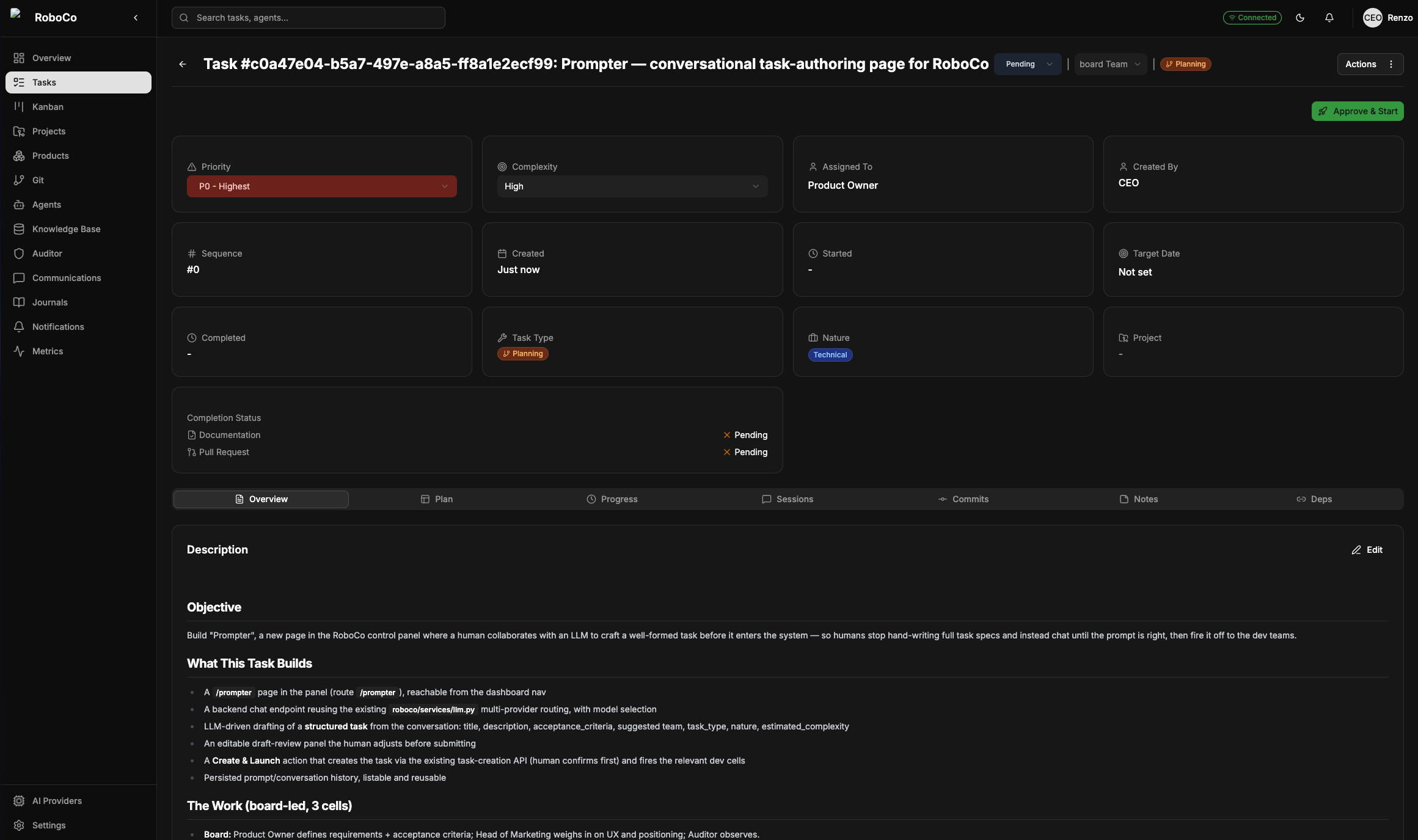
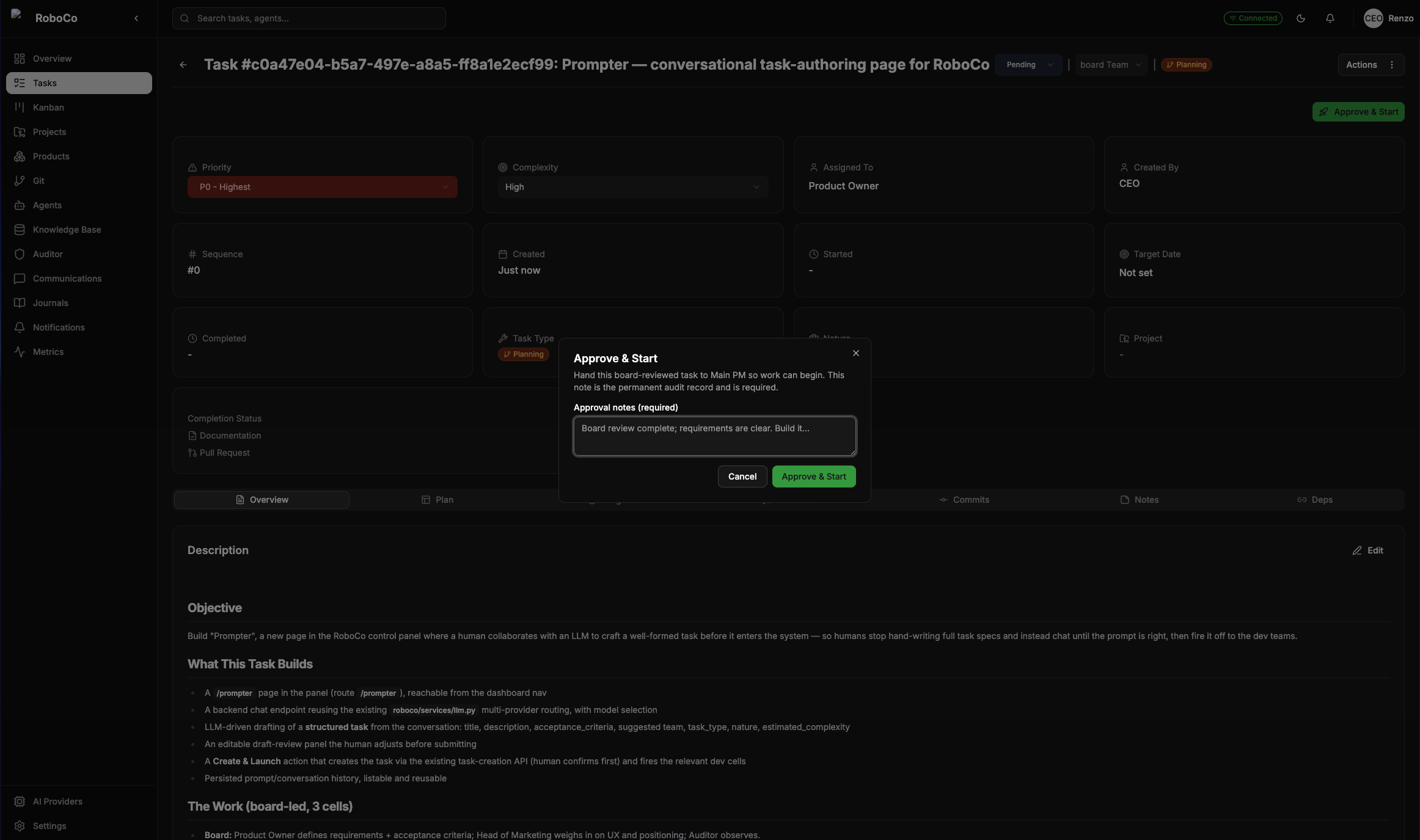
The Board hands the reviewed task back to you as a notification and waits. You make one call: send it forward, or send it back. Approve it, and the Main PM picks it up, splits it across the cells, and sets them running.
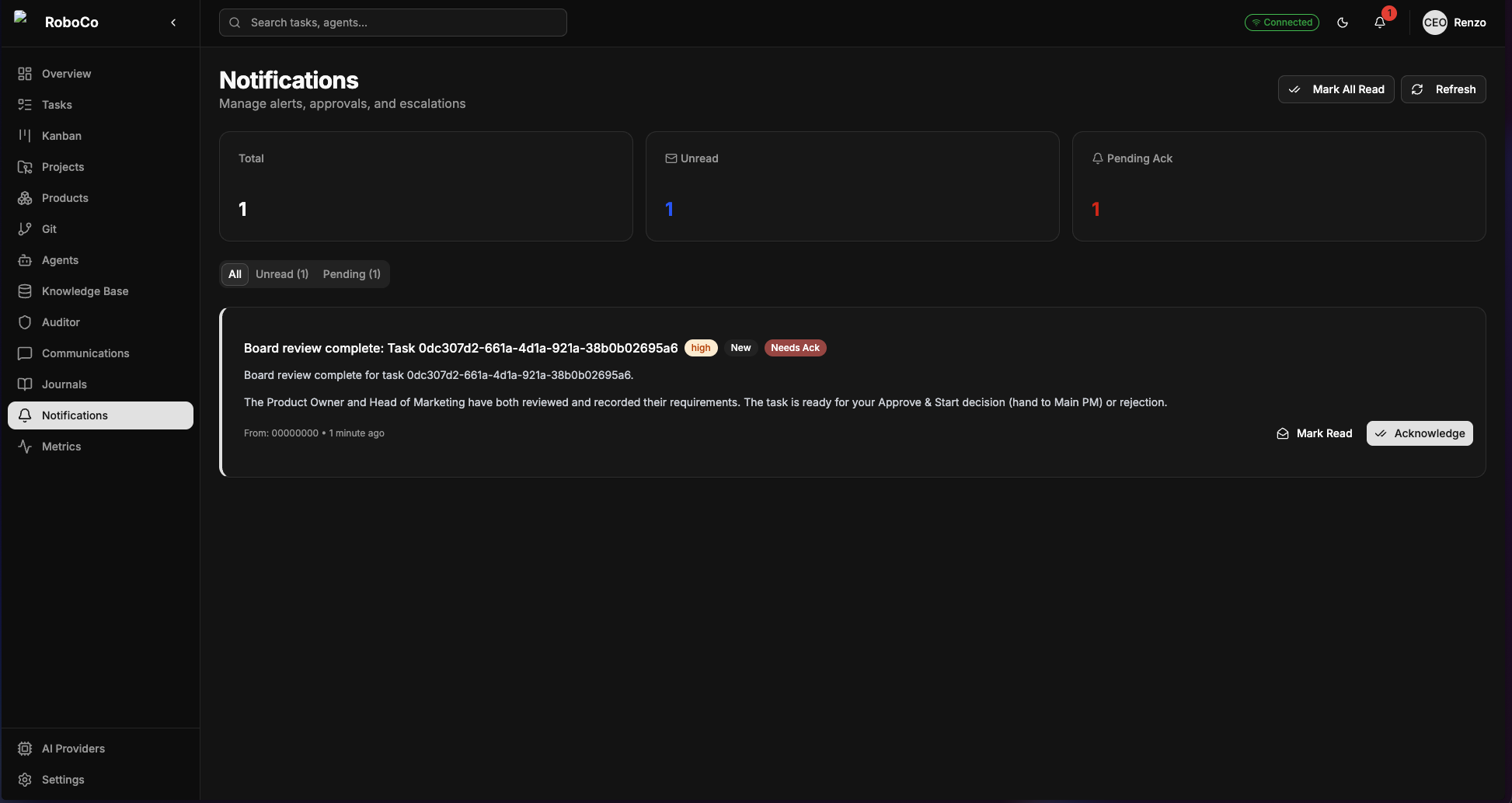
The Board's verdict lands in your notifications and pauses there. A single approval is what turns the whole company on.
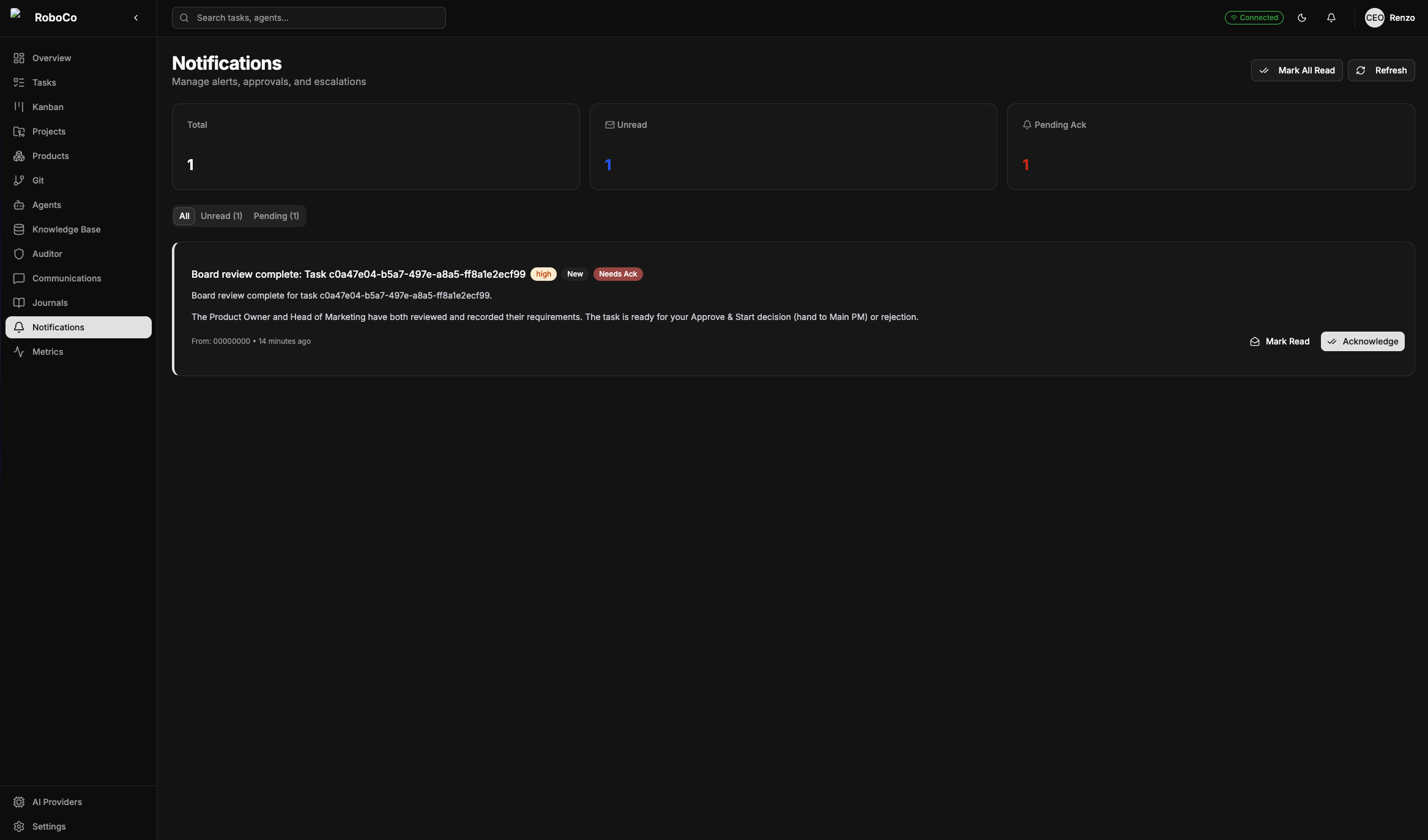
The notification itself, spelled out: the Board has finished, the task is recorded, and nothing happens until you say so — Approve & Start hands it to the Main PM; reject it and it goes back. This is the first of the only two moments the company needs you.
Previous: ← The shape of the company · Next: The cells build it →